
What makes a cloud migration hard.
A cloud migration sounds like copying files to a new drive. It rarely is. One application depends on a server you were about to retire. Email and user accounts have to move without locking anyone out. And if you lift everything as-is, the monthly bill often comes back at twice what you planned, because cloud is rented by the hour and your systems were sized for hardware you already owned. When a move stalls halfway, you end up paying to run two environments at once.
This is where bringing in a team that does migrations all the time pays off. Your staff might run one migration. We have run many, across very different environments, so the problems that are new to your team are ones we have already solved. We map what depends on what before anything moves, plan the cutover so work keeps running, and confirm the new setup works before the old one is shut off. That experience is what keeps a move from going sideways, and it comes from running these moves constantly.
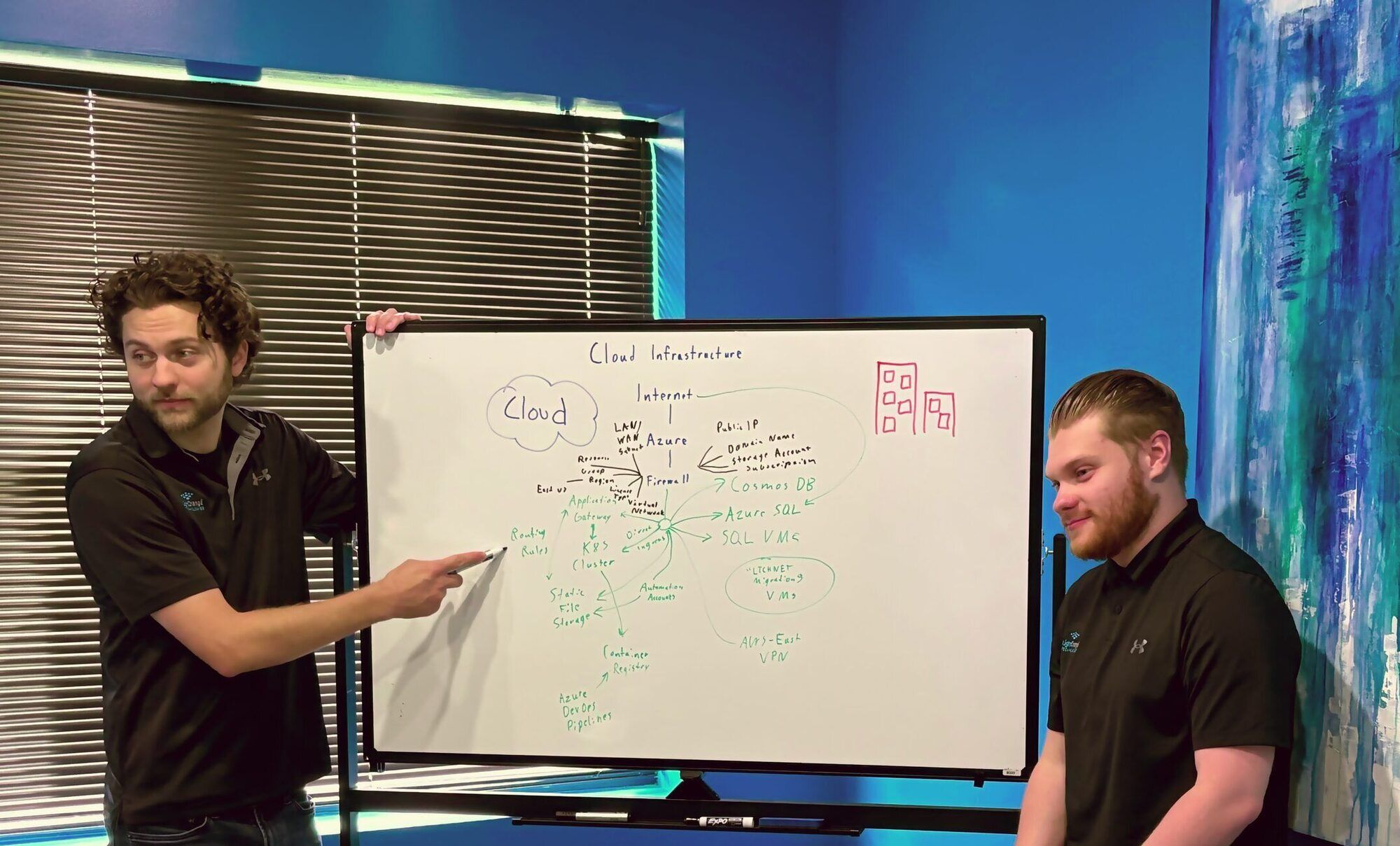
What a cloud migration takes.

Deciding what should move, and what shouldn't.
We map what each system depends on and give you the real cost comparison and a timeline before you commit. Some workloads belong in the cloud, some run better and cheaper where they are, and you get a straight answer on each with the numbers behind it.
%20scale(3.6)'%3e%3cpath%20d='M19.35%2010.04A7.49%207.49%200%200%200%2012%204C9.11%204%206.6%205.64%205.35%208.04A5.994%205.994%200%200%200%200%2014c0%203.31%202.69%206%206%206h13c2.76%200%205-2.24%205-5%200-2.64-2.05-4.78-4.65-4.96z'%20fill='%23C9CCD1'%20stroke='%2333373D'%20stroke-width='1.1'%20stroke-linejoin='round'/%3e%3c/g%3e%3c!--%20cloud%20--%3e%3cg%20transform='translate(16,26)%20scale(3.6)'%3e%3cpath%20d='M19.35%2010.04A7.49%207.49%200%200%200%2012%204C9.11%204%206.6%205.64%205.35%208.04A5.994%205.994%200%200%200%200%2014c0%203.31%202.69%206%206%206h13c2.76%200%205-2.24%205-5%200-2.64-2.05-4.78-4.65-4.96z'%20fill='%23D9EDF9'%20stroke='%2333373D'%20stroke-width='1.1'%20stroke-linejoin='round'/%3e%3c/g%3e%3c!--%20sync%20arrows%20--%3e%3cpath%20d='M50%2064%20H66%20M62%2059%20L67%2064%20L62%2069'%20stroke='%23007AC9'%20stroke-width='3.5'%20stroke-linecap='round'%20stroke-linejoin='round'/%3e%3cpath%20d='M70%2076%20H54%20M58%2071%20L53%2076%20L58%2081'%20stroke='%23007AC9'%20stroke-width='3.5'%20stroke-linecap='round'%20stroke-linejoin='round'/%3e%3c/svg%3e)
Microsoft 365 and Azure migration expertise.
Most of our clients live in Microsoft. We handle Azure migrations and the architecture under them, manage Microsoft 365, and build the identity layer so the move does not break how people sign in. We also build M365 automations on the licensing you already pay for, so routine work like PTO requests, approvals, and equipment checkouts stops eating someone's afternoon.

Moving and merging complex systems cleanly.
This is the technical heart of most migrations: combining two Microsoft 365 tenants after a merger, moving users and mailboxes from one tenant to another without breaking how people sign in, or relocating an older application that was never built to leave the building. We do these often, so we plan the cutover, run it on a schedule that protects the work, keep a way back if a step doesn't go as planned, and confirm access and data came across before anyone relies on it.

Managing the cloud after you move.
We right-size what moved so you are not paying for idle capacity, keep a hybrid footprint where part of the work belongs on-premises, and automate the routine maintenance. We also manage your Microsoft and cloud licensing so you stop paying for seats and services you forgot you were subscribed to, and as a Microsoft partner we can source those licenses through reseller channels, often below list price. Through Overwatch, our monitoring overlay, we watch cloud health and cost so a runaway resource gets flagged before it reaches the invoice.
Should you migrate?
Not everything belongs in the cloud, and "move everything" is rarely the right answer. Before any move, a few honest questions decide whether it's worth making and what it should cover. These are the questions we work through with you in an Infrastructure Review.
What is the move for?
Aging hardware due for replacement, a team that needs to work from anywhere, or a system that has outgrown its room are real reasons to move. "Everyone's in the cloud now" is not one. The reason shapes the plan.
What will it cost to run each month?
Cloud is rented, and the monthly cost depends on how the systems are sized. A workload built for hardware you own can cost more in the cloud unless it's right-sized first. The honest comparison is run cost against run cost.
What should stay where it is?
Some systems run better, cheaper, or more safely on-premises. A good plan is as clear about what should stay as what should move.
We do the work with your team, and we teach as we go.
- We train your team on what we're doing.Your people should come out of every project more capable than they went in. Dependency is not our business model.
- You get direct access to the engineer doing the work.No account manager in the middle. The person you talk to knows your systems.
- We're transparent about what things cost.Hardware, licensing, cloud spend, labor. We show you the real run cost before you move, and when a different approach saves you money, we say so.
- We'd rather earn your business than lock it in.Most of our clients have stayed with us more than a decade, by choice.
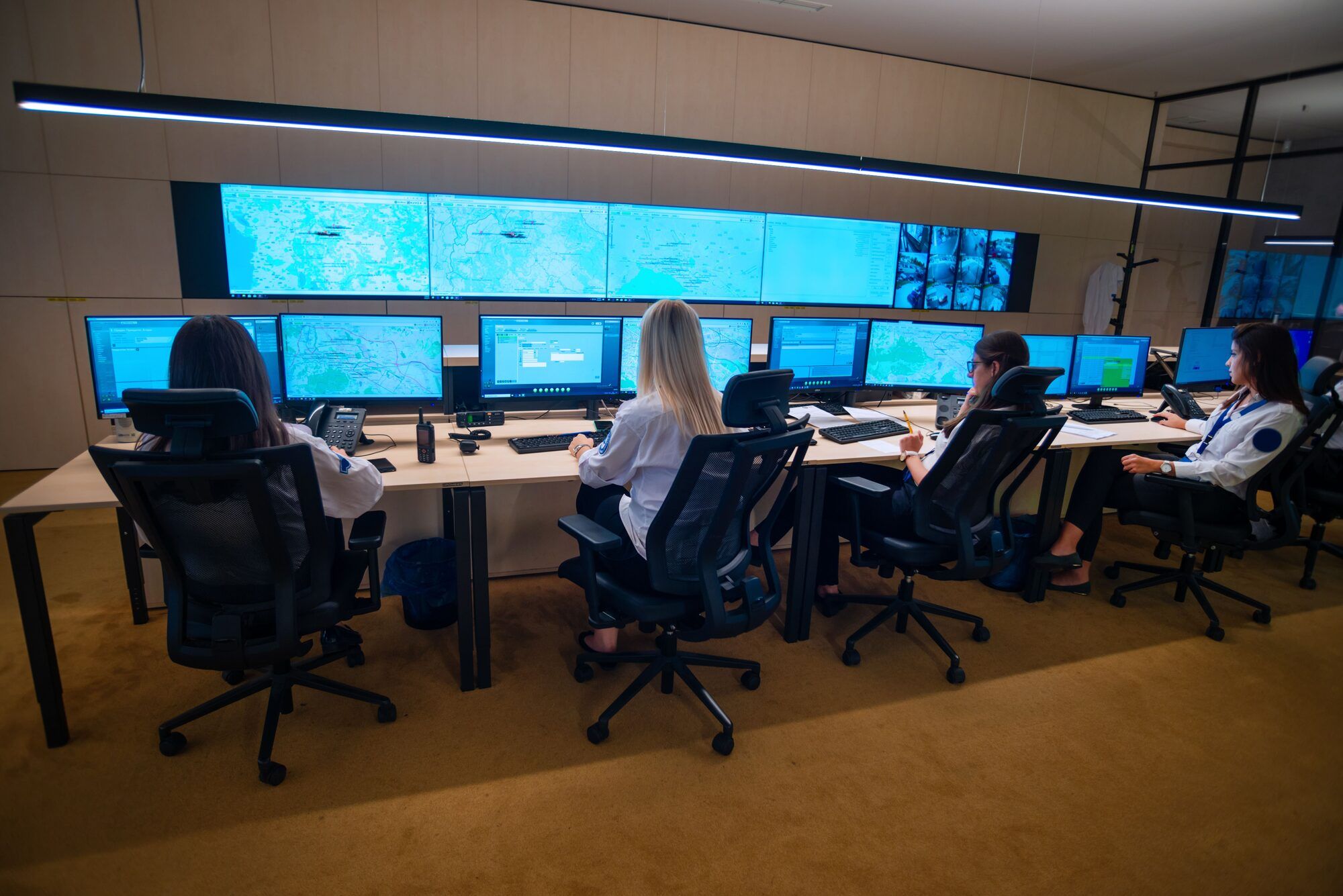
Built for utilities, municipalities, and the teams that can't afford downtime.
We plan and run cloud moves for the operators communities depend on. Here, a stalled migration or a runaway bill becomes a service outage and a question the board wants answered.

Electric utilities and cooperatives.
The billing and office side can move; the systems that run the grid stay close to home. We draw that line clearly and migrate only what should go.
%20--%3e%3cpolygon%20points='34,50%2098,50%2066,24'%20fill='%23C9CCD1'%20stroke='%2333373D'%20stroke-width='4'%20stroke-linejoin='round'/%3e%3crect%20x='30'%20y='50'%20width='72'%20height='9'%20rx='2'%20fill='%23C9CCD1'%20stroke='%2333373D'%20stroke-width='4'%20stroke-linejoin='round'/%3e%3crect%20x='34'%20y='58'%20width='64'%20height='40'%20rx='3'%20fill='%23C9CCD1'%20stroke='%2333373D'%20stroke-width='4'%20stroke-linejoin='round'/%3e%3crect%20x='28'%20y='98'%20width='76'%20height='12'%20rx='2'%20fill='%23C9CCD1'%20stroke='%2333373D'%20stroke-width='4'%20stroke-linejoin='round'/%3e%3c!--%20pediment%20front%20--%3e%3cpolygon%20points='28,44%2092,44%2060,18'%20fill='%23F6F7F9'%20stroke='%2333373D'%20stroke-width='4'%20stroke-linejoin='round'/%3e%3ccircle%20cx='60'%20cy='33'%20r='6'%20fill='%23D9EDF9'%20stroke='%2333373D'%20stroke-width='3'/%3e%3c!--%20building%20body%20front%20--%3e%3crect%20x='28'%20y='52'%20width='64'%20height='40'%20rx='3'%20fill='%23F6F7F9'%20stroke='%2333373D'%20stroke-width='4'%20stroke-linejoin='round'/%3e%3c!--%20columns%20--%3e%3cline%20x1='34'%20y1='56'%20x2='34'%20y2='90'%20stroke='%23616365'%20stroke-width='5'%20stroke-linecap='round'/%3e%3cline%20x1='45'%20y1='56'%20x2='45'%20y2='90'%20stroke='%23616365'%20stroke-width='5'%20stroke-linecap='round'/%3e%3cline%20x1='75'%20y1='56'%20x2='75'%20y2='90'%20stroke='%23616365'%20stroke-width='5'%20stroke-linecap='round'/%3e%3cline%20x1='86'%20y1='56'%20x2='86'%20y2='90'%20stroke='%23616365'%20stroke-width='5'%20stroke-linecap='round'/%3e%3c!--%20door%20--%3e%3cpath%20d='M52%2092%20V66%20Q52%2060%2060%2060%20Q68%2060%2068%2066%20V92%20Z'%20fill='%23007AC9'%20stroke='%2333373D'%20stroke-width='3.5'%20stroke-linejoin='round'/%3e%3c!--%20entablature%20front%20--%3e%3crect%20x='24'%20y='44'%20width='72'%20height='9'%20rx='2'%20fill='%23F6F7F9'%20stroke='%2333373D'%20stroke-width='4'%20stroke-linejoin='round'/%3e%3c!--%20steps%20front%20--%3e%3crect%20x='22'%20y='92'%20width='76'%20height='12'%20rx='2'%20fill='%23F6F7F9'%20stroke='%2333373D'%20stroke-width='4'%20stroke-linejoin='round'/%3e%3c!--%20flag%20--%3e%3cline%20x1='60'%20y1='18'%20x2='60'%20y2='7'%20stroke='%2333373D'%20stroke-width='3.5'%20stroke-linecap='round'/%3e%3cpath%20d='M60%208%20L73%2011%20L60%2014%20Z'%20fill='%23007AC9'%20stroke='%2333373D'%20stroke-width='3'%20stroke-linejoin='round'/%3e%3c/svg%3e)
Municipalities and county governments.
Every dollar is public and every choice answers to a board. We move email and city systems on a budget you can predict, and document the work so it stands up to an audit.
%20--%3e%3cdefs%3e%3cstyle%3e%20.st0%20{%20fill:%20%23f6f7f9;%20stroke-linejoin:%20round;%20stroke-width:%203.5px;%20}%20.st0,%20.st1,%20.st2,%20.st3,%20.st4%20{%20stroke:%20%2333373d;%20}%20.st1%20{%20fill:%20%23d9edf9;%20}%20.st1,%20.st3,%20.st5,%20.st4%20{%20stroke-width:%204px;%20}%20.st2%20{%20stroke-width:%203px;%20}%20.st2,%20.st3,%20.st5%20{%20fill:%20none;%20stroke-linecap:%20round;%20}%20.st5%20{%20stroke:%20%23007ac9;%20}%20.st4%20{%20fill:%20%23c9ccd1;%20}%20%3c/style%3e%3c/defs%3e%3cellipse%20class='st4'%20cx='35.69'%20cy='31.5'%20rx='28'%20ry='22'/%3e%3cline%20class='st3'%20x1='10'%20y1='47.5'%20x2='2'%20y2='93.5'/%3e%3cline%20class='st3'%20x1='50'%20y1='47.5'%20x2='58'%20y2='93.5'/%3e%3cline%20class='st2'%20x1='7'%20y1='65.5'%20x2='54'%20y2='89.5'/%3e%3cline%20class='st2'%20x1='53'%20y1='65.5'%20x2='6'%20y2='89.5'/%3e%3crect%20class='st0'%20x='25'%20y='49.5'%20width='10'%20height='44'%20rx='1'%20ry='1'/%3e%3cellipse%20class='st1'%20cx='30'%20cy='31.5'%20rx='28'%20ry='22'/%3e%3cpath%20class='st5'%20d='M10,32.42c8-5,16,3,24-1,6-3,12,2,16-1'/%3e%3cline%20class='st2'%20x1='18'%20y1='1.5'%20x2='42'%20y2='1.5'/%3e%3cline%20class='st2'%20x1='20'%20y1='1.5'%20x2='20'%20y2='10.5'/%3e%3cline%20class='st2'%20x1='30'%20y1='1.5'%20x2='30'%20y2='9.5'/%3e%3cline%20class='st2'%20x1='40'%20y1='1.5'%20x2='40'%20y2='10.5'/%3e%3c/svg%3e)
Water and wastewater authorities.
Small crews cover a lot of ground at these systems. We keep treatment and operations on-site, move only the administrative side, and leave behind something a short-staffed team can run.

ISPs and telecom providers.
Your subscriber count climbs, and provisioning, billing, and support systems have to climb with it without the cloud bill doing the same. We size and monitor the environment so it scales on budget.

Manufacturing.
A migration can't cost you production time. The plant systems and historians stay on the floor, the business side moves, and the cutover is scheduled so the line keeps running.

Growing enterprises.
A setup that's been added to for years usually needs a fresh look before more gets piled on. We assess what to move, what to right-size, and what to leave alone.
What teams ask before they move to the cloud.
Weighing a move to the cloud? Find out what should go and what shouldn't before you commit.
Tell us what you're running and what's pushing you toward the cloud, and you'll talk it through with an engineer who plans and runs these migrations. If a move isn't the right call, we'll tell you that too.